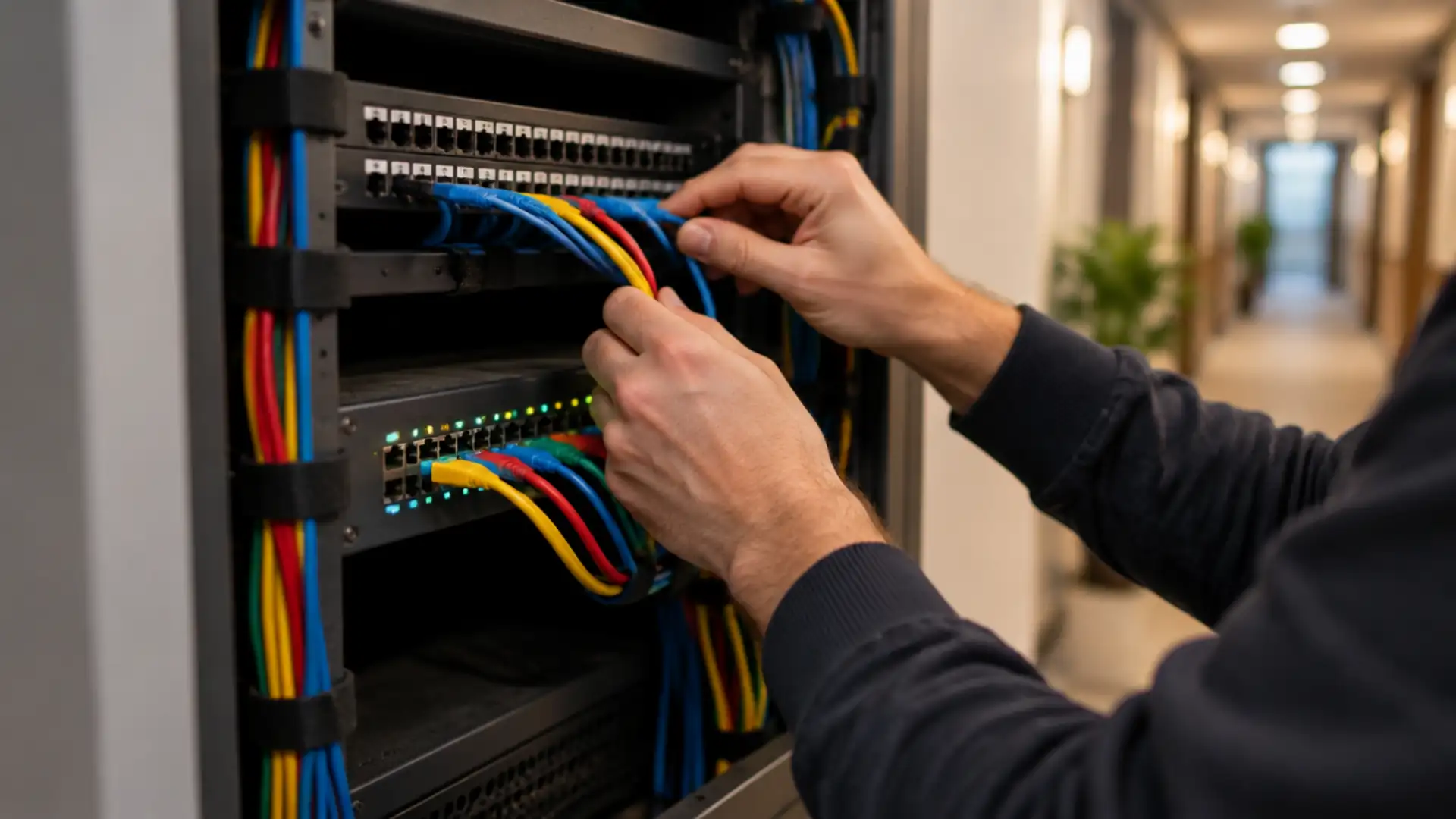
Router vs switch: what each one does
A switch connects the devices inside a network; a router connects networks to each other, including your office to the internet. At home one box does both, which is exactly why the difference is easy to miss.
The short version
The router vs switch question comes down to two layers of the OSI model. A switch works at layer 2: it learns the hardware (MAC) address of every device on its ports and sends each frame only to the port it is meant for, within one network. A router works at layer 3: it reads the IP address and forwards traffic from one network to another, for example from the office network to the internet.
The router also does the jobs at the edge of the network: translating private addresses to the public one (NAT), connecting other sites over a VPN and, often, handing out addresses with DHCP. In a business, a firewall usually sits at that same point or does the routing itself.
- Switch Many ports, connects desks, phones, printers and access points inside the building.
- Router Few ports, connects the network to the internet and to other locations.
- Layer 3 switch A switch that can also route between VLANs inside the building, at switch speed.
- Home router Router, switch, wifi and often a modem in one box; fine for a house, limiting for an office.
Router and switch side by side
| Question | Switch | Router |
|---|---|---|
| OSI layer | Layer 2 (layer 3 switches also route) | Layer 3 |
| Looks at | MAC addresses | IP addresses |
| Connects | Devices within one network | Networks with each other |
| Extra jobs | VLANs, Power over Ethernet, traffic priority | NAT, VPN, often DHCP and firewall rules |
| In an office | One or more per floor or cabinet | One at the edge, often combined with the firewall |
Why a business keeps them apart
The all-in-one box stops working well as soon as the office grows.
Ports and power
An office needs dozens of ports and power over the cable for phones, cameras and access points. That is switch territory.
Security at the edge
The connection to the internet is where traffic is inspected and filtered. That belongs on a router or firewall built for it, not on a box that also does everything else.
Growing separately
More desks means more switch ports; a faster line or a second site means a different router. Kept apart, each can be replaced without touching the other.
Where our work stops
This is an explanation, not advice on a specific device. Choosing between two kinds of switch is covered in Managed vs unmanaged switch, splitting a network into groups in What is a VLAN? and the firewall at the edge in What does a firewall do?. We supply, set up and manage the equipment, see Managed network, and we also advise on, arrange and monitor the business internet connection, see Business internet; the operator’s network outside the building belongs to the operator, and a fault in it is fixed by the operator.
What it connects to
These pages cover the neighbouring part of the same environment.
Questions we get about this
The ones that come up most, answered briefly.
What is the difference between a router and a switch?
A switch connects devices within one network and sends traffic to the right port by MAC address. A router connects networks to each other by IP address, for example your office network to the internet.
Do I need both a router and a switch?
In a business, almost always. The router or firewall handles the connection to the internet; switches provide the ports for desks, phones, printers and access points. At home, one box often does both.
Can a switch replace a router?
A layer 3 switch can route between VLANs inside the building, but the connection to the internet, address translation and VPNs to other sites stay with the router or firewall.
Do you also provide the internet connection?
Yes. Besides supplying, setting up and managing switches, routers, firewalls and access points, we advise on, arrange and monitor the business internet connection. The operator’s network outside the building remains the operator’s, and a fault in that network is fixed by the operator.
Curious what we would take over?
In a thirty-minute conversation we go through your current IT landscape and tell you honestly whether managed IT suits your situation.
Practical IT knowledge in your inbox
New guides on management, security and the workplace, written by the people doing the work. No sales talk, and you can unsubscribe in one click.