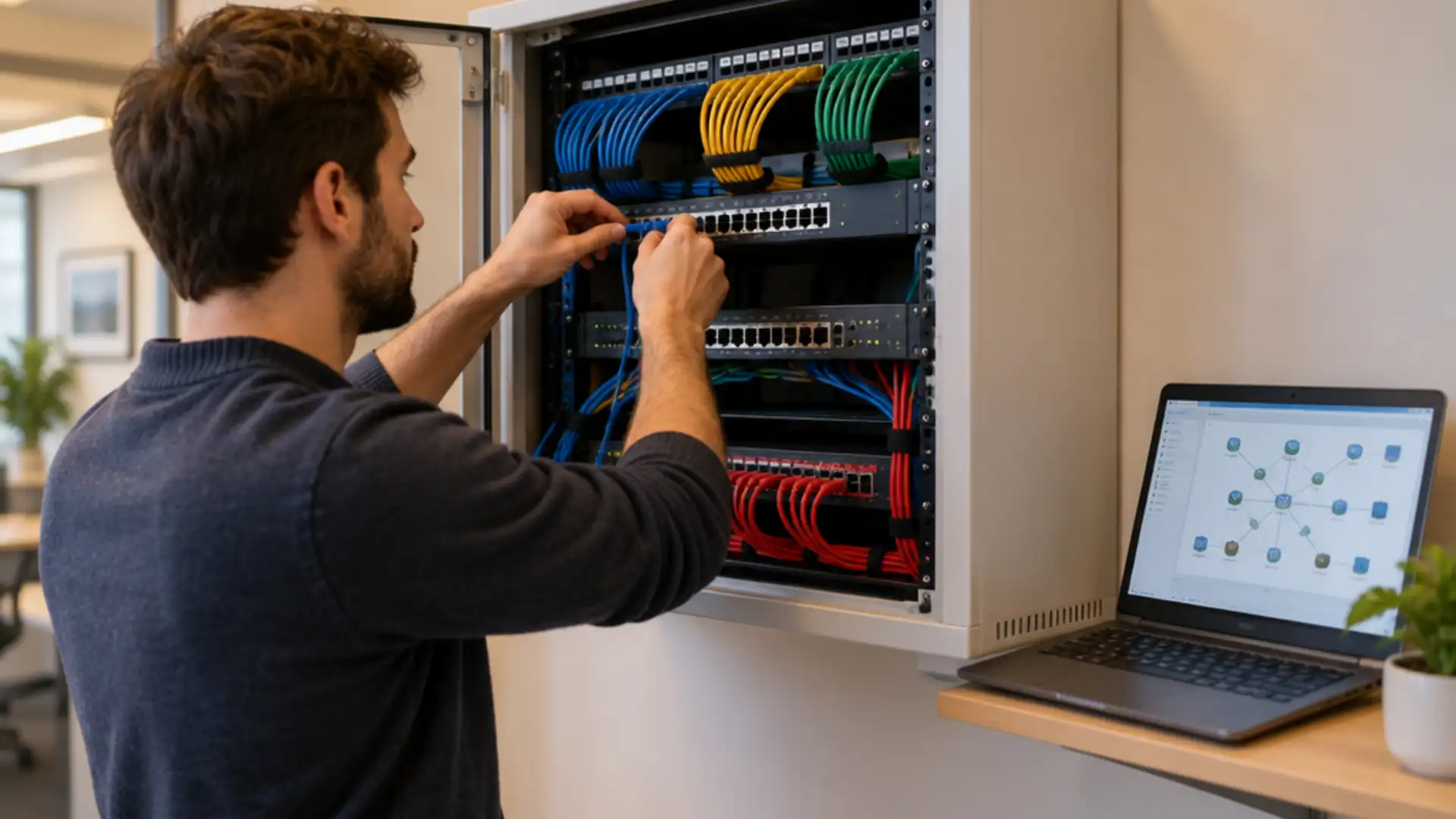
What does a firewall do?
A firewall decides which network traffic is allowed in and out, and blocks the rest. That sounds simple, and the basic idea is. What a firewall can and cannot protect you from is where most of the misunderstanding lies.
The basic job
Every connection between your network and the internet passes the firewall. It checks each one against a set of rules: this address may reach that server, this kind of traffic may leave, everything else is dropped. A firewall without rules is a door with no lock; a firewall with too many is a door nobody can use.
Modern business firewalls go further. They recognise applications rather than just port numbers, link traffic to users, and inspect it for known attack patterns. That allows rules such as “the finance team may reach the banking portal, the warehouse may not”.
- Blocks Unwanted incoming connections, known malicious sites and traffic that matches known attacks.
- Separates Guests from staff, tills from offices, cameras from everything else.
- Connects Remote workers and branch offices through a VPN.
- Does not stop Someone logging in with a stolen password, or opening a malicious attachment that arrived by email.
How does a firewall work?
The oldest form looks at each packet on its own: where it comes from, where it is going and on which port. That is packet filtering, and it is still the bottom layer. Almost every firewall today also keeps track of conversations. A reply to something a laptop asked for is let back in; an unsolicited connection from outside is not. That is called stateful inspection, and it is the reason a firewall can block nearly everything incoming without breaking anything.
A next-generation firewall adds a third layer. It looks inside the traffic to recognise the application, ties it to a signed-in user, and compares it with known attack patterns. That is what makes rules about applications and teams possible, rather than only addresses and ports.
Which firewall where
The word covers three quite different things, and a business usually needs more than one of them.
| Kind | Where it sits | What it protects | Separates networks and VPN |
|---|---|---|---|
| In the router | In the broadband router | Blocks unsolicited incoming connections | Rarely, and only basic |
| Business firewall | A device or virtual appliance at the edge of the network | The whole network, with application rules and attack detection | Yes, that is a large part of its job |
| On the device | In Windows or macOS | The laptop itself, also on hotel or café wifi | No |
What is a web application firewall?
A web application firewall, or WAF, is a different tool with a similar name. It does not sit between your office and the internet but in front of a website or web application, and it filters the requests visitors send to it: attempts to inject code, abuse a login form or overload the site. A business that runs its own web shop or customer portal needs one in front of that; an office network needs the firewall described above.
Where our work stops
This is an explanation, not advice on a specific product. A firewall is one building block, not a security plan: multi-factor sign-in, protection on devices and a backup an attacker cannot delete matter at least as much. If you want a firewall run for you, see Firewall as a service; to have an existing one checked, Firewall review.
What it connects to
These pages cover the neighbouring part of the same environment.
Questions we get about this
The ones that come up most, answered briefly.
What does a firewall do in simple terms?
It checks every connection between your network and the internet against a set of rules, lets through what is allowed and blocks the rest. Business firewalls also recognise applications and inspect traffic for known attacks.
What can a firewall not protect against?
Someone signing in with a stolen password, a malicious attachment opened by a user, or a laptop that is compromised outside the office. That is why a firewall needs multi-factor sign-in, device protection and a backup alongside it.
Does a small business need a dedicated firewall?
Usually yes, once there are staff, guests and devices such as tills or cameras on the same network. The firewall in a broadband router does not separate those networks or provide a proper VPN for remote staff.
Is the Windows firewall enough?
It protects the laptop itself and should stay on, especially on public wifi. It does not protect the rest of the network, such as printers, cameras or servers, which is the job of the firewall at the edge.
Do you recommend a particular firewall?
Not on this page: it explains what a firewall does and is not advice on a specific product. A firewall is one building block, not a security plan; running one for you or checking an existing one is a separate service.
Curious what we would take over?
In a thirty-minute conversation we go through your current IT landscape and tell you honestly whether managed IT suits your situation.
Practical IT knowledge in your inbox
New guides on management, security and the workplace, written by the people doing the work. No sales talk, and you can unsubscribe in one click.