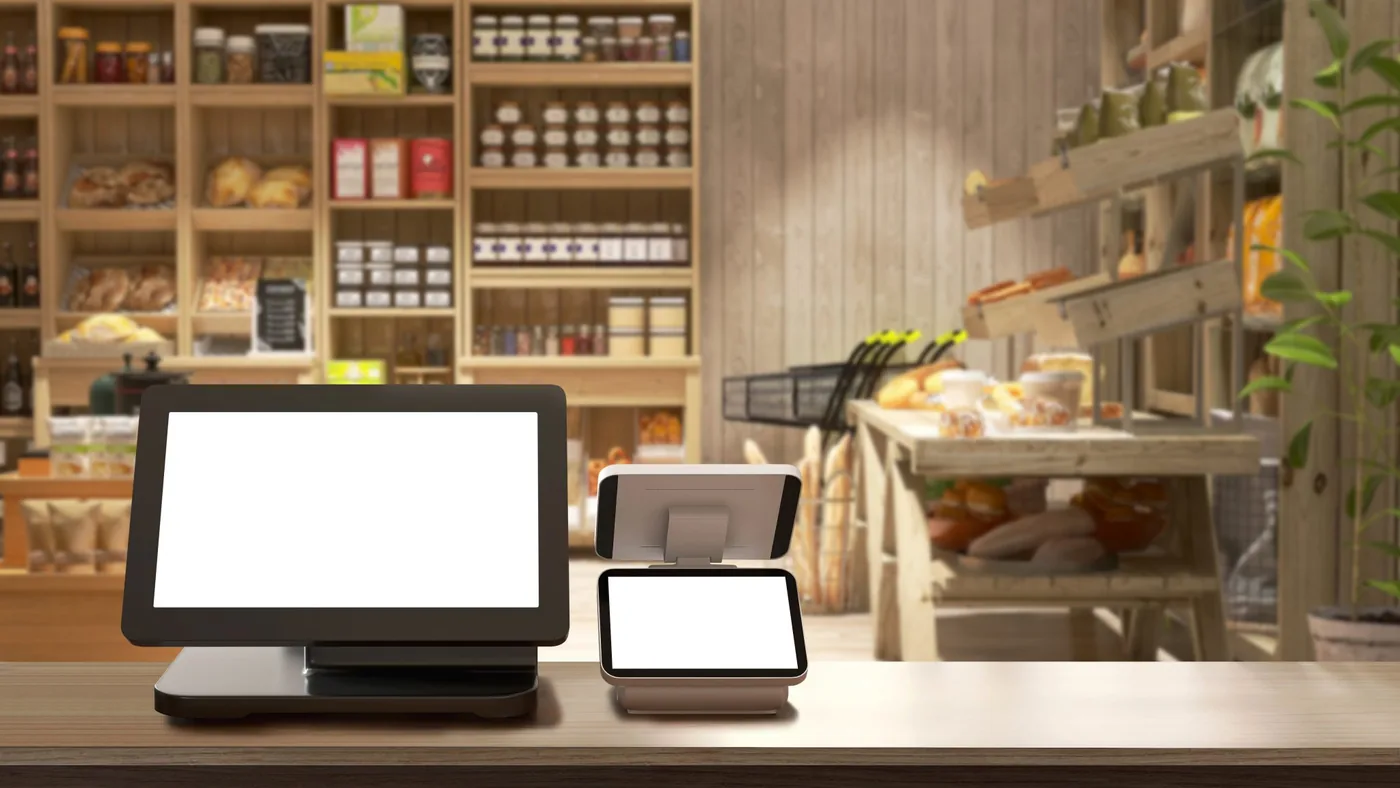
Tablet POS: what the fixed till point needs as well
A tablet POS looks simple on the shop floor: a screen on a stand and nothing else. That simplicity is the sales pitch. In practice the till point also carries a receipt printer, a cash drawer, a scanner, a charger and a network, and any one of those five can stop the till on a Saturday afternoon. This is what to sort before the first customer pays.
A tablet POS is a tablet plus five parts: stand, receipt printer, cash drawer, scanner and power. How those are connected decides what happens when the tablet restarts.
A fixed till point should be wired or on its own network segment, separate from guest Wi-Fi, running a till app that knows what to do when the connection drops.
The card machine comes from your payment provider and the EPOS software from the till vendor. We supply and manage the rest of the till point.
When a tablet POS fits, and when it does not
A tablet till works well where the counter is small, where staff sometimes take the till to the customer and where the vendor’s EPOS software runs as an app on a tablet. Think of a boutique, a bakery, a reception desk or a café with a single point of sale. The screen is light, takes little space and is quick to replace.
It works less well where the till is in heavy use all day: long queues, large baskets, scales or a customer display that has to talk to the till. There a fixed terminal or an all-in-one is often faster and sturdier. The real question is not “tablet or till” but how much goes across this counter per hour and what has to hang off the tablet.
Ask first which tablets the till vendor supports. Many EPOS apps run on one operating system only, or from a certain version, so part of the hardware choice is already made for you.
The stand: fixed, swivel or lockable
A tablet lying loose on the counter will be dropped, moved or walked off with within a week. The stand is therefore the first part, not the last.
- Fixed or swivel. A swivel stand lets the customer see the screen or sign. Useful, but every turn puts strain on the cable running through it.
- Lockable. A stand with a lock keeps the tablet in place out of hours and makes it harder to take. Record who holds the key.
- With ports. Some stands have a built-in hub for power, network and USB. That saves loose cables but ties the stand to one tablet model, and the next generation of tablet may not fit.
Choose the stand together with the tablet, and ask how long that tablet model will stay available.
Receipt printer, cash drawer and scanner: how they connect
This is where most of the work is, and most of the faults. A tablet has few ports, so peripherals connect to the till in one of three ways.
- Over Bluetooth. Quick to set up, but a pairing that disappears after an update or a restart is the classic Saturday fault. For a fixed till point it is the least settled option.
- Through a hub in the stand or a USB port. Stable, as long as the tablet supports the hub and the cable stays intact.
- Over the network. A receipt printer with its own network port is a fixed address for the till app. The tablet can restart or be swapped without anything being paired again.
The cash drawer almost always hangs off the receipt printer and opens on a signal from it. If the printer is down, so is the drawer, so agree how staff get to the float in that case. The scanner has to read the codes your customers actually show, and more and more of those are on a phone screen.
Have the till vendor confirm which printers and scanners its software supports, by model number. “Any thermal printer works” is not an answer.
Power and charging: a tablet that never leaves the charger
A tablet at the till sits on its charger all day, every day. A battery kept permanently full wears faster, and a battery that swells pushes the screen out of its stand. When choosing the device, ask whether it has a mode for continuous charging or a charge limit, and whether the manufacturer supports that use.
Give it a fixed socket that does not get kicked out under the counter, and consider a small UPS for the till point and the network cabinet. A tablet survives a power cut on its battery, but the printer, the switch and the router do not, and then the till is still left without a connection or a receipt.
The network behind the tablet
A tablet POS leans harder on the network than an old till with local software. Products, prices and the sales themselves often go to the vendor’s cloud. Three arrangements make the difference.
- Wired where possible. A fixed till point that gets a network cable through its stand is not affected by busy Wi-Fi on the shop floor.
- Its own segment. Till, printer and card machine do not belong on the same network as guests or staff phones.
- A plan for outages. Ask the vendor what the app does without internet: can you keep selling, are receipts sent later, and how many transactions does it hold. A second connection, over 4G or 5G for example, keeps that moment short.
How we build a shop network is set out under POS and branch connectivity.
Management: one app, locked down, quick to swap
A tablet at the till is not a personal tablet. It runs one app, gets updates when you decide, and is set up so that a replacement does the same job within minutes.
- Mobile device management. It puts the tablet in kiosk mode on the till app, controls updates and wipes the device remotely if it goes missing.
- Updates out of hours. An operating system update that forces a restart at midday or breaks the till app costs more than it delivers. Test a new version on one till first.
- A spare tablet. Set up, charged and in the cupboard. Then a cracked screen is a swap, not a closed till.
If you trade in more than one country, the tablet itself is usually not the fiscal component. Germany requires a TSE, France certified till software and Türkiye an approved cash register device. That is for the till vendor to provide; we cover the fiscal cash register rules by country in a separate article.
Where our work stops
What we do. We supply or rent the tablet, stand, receipt printer, cash drawer and scanner that the till vendor supports, set them up and enrol them in management. We put in the network the till point runs on, with its own segment and a second connection, and keep a configured spare tablet ready. On site, our own local engineers do that, in every country.
What we do not do. We do not process payments and we are not a payment service provider. The card machine comes from your payment provider or bank and should come from there: that device is certified and tied to your contract with them. We make sure it has a connection that stays up. The EPOS software belongs to the till vendor; we do not modify it and we do not give tax advice.
Questions we get about this
The five that come up most.
Can a tablet replace a traditional till?
Yes, if the EPOS software runs as an app on that tablet and the counter is not in heavy use all day. With long queues, scales or a customer display, a fixed terminal is often faster. Either way, plan for a stand, receipt printer, cash drawer and scanner alongside it.
Which receipt printer works with a tablet POS?
The till software decides: ask the vendor for a list of supported models. For a fixed till point a printer with a network port is the most settled choice, because the tablet can restart or be swapped without pairing again. The cash drawer usually connects to that printer.
Does a tablet POS work without internet?
That depends on the till app. Many can keep selling offline for a while and send transactions later, but how long and with what limits differs by vendor. Ask before you sign, and add a second connection so that offline stays the exception.
Is an ordinary tablet tough enough for a till?
In a fixed, lockable stand it usually is, provided the till vendor supports the model. If staff carry it all day, outdoors or in a kitchen, a rugged tablet is worth considering. Check how long the model stays available too, because the stand is often made for it.
Do you supply the card machine as well?
No. We do not process payments and we are not a payment service provider. The card machine comes from your payment provider or bank, because that device is certified and tied to your contract with them. We supply the rest of the till point and make sure the card machine has a stable, separate connection.
Further reading
What the till point connects to.
A tablet on the counter? We set up the till point
Tell us which EPOS software you use and how many till points you have. We put together the stand, printer, drawer, scanner and network to match, with a spare tablet included.
Practical IT knowledge in your inbox
New guides on management, security and the workplace, written by the people doing the work. No sales talk, and you can unsubscribe in one click.