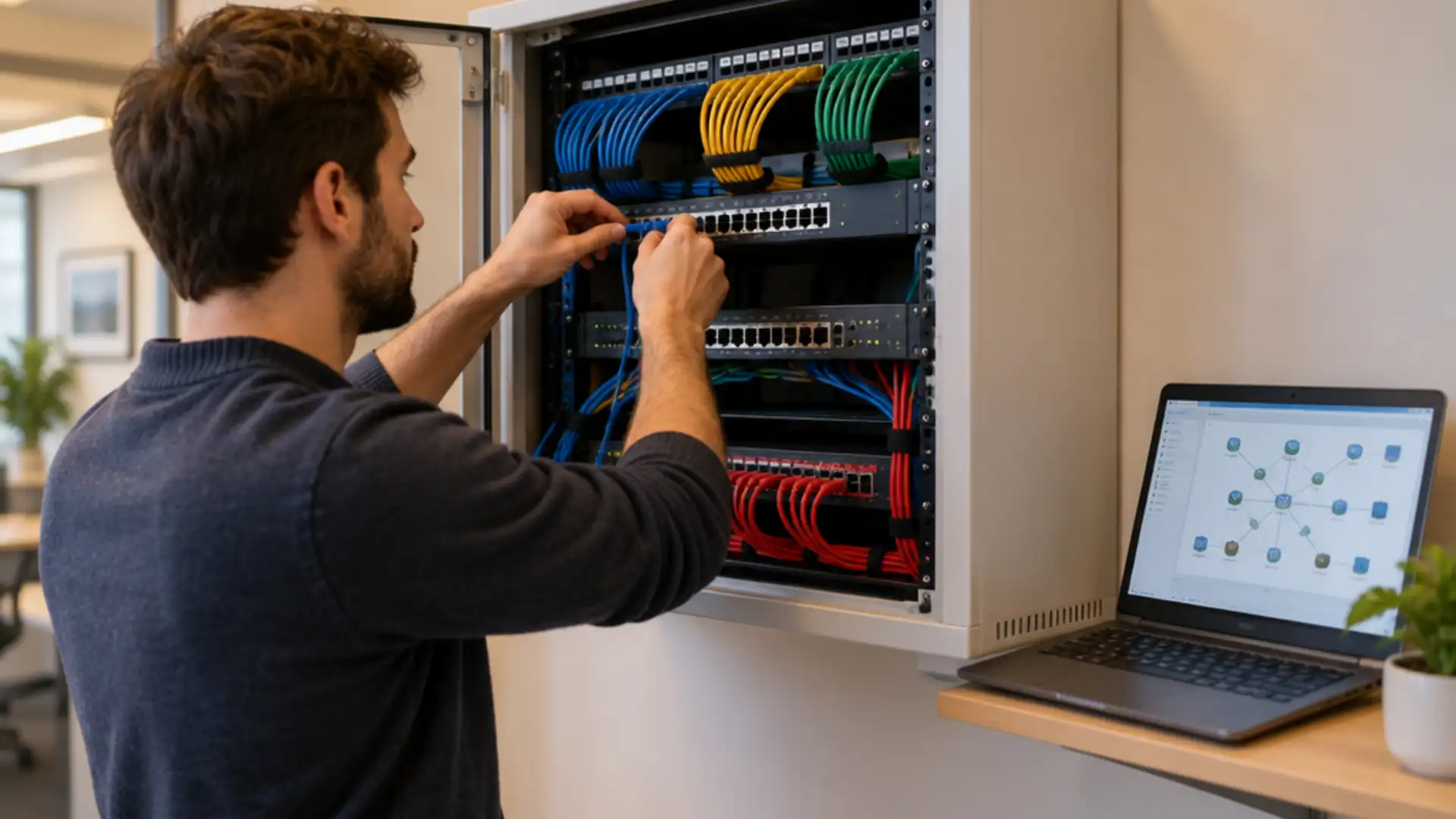
Firewall as a service or your own firewall: what to choose when the old one goes
The question of firewall as a service nearly always comes up at the same moment: the old firewall no longer gets updates, the licence is expiring, or it cannot handle the traffic with security switched on. Then a quote for a new box sits next to a proposal for a service, and they are hard to compare because the term can mean two things.
Firewall as a service is either a firewall in the cloud that your traffic passes through, or a managed on-site firewall on subscription. First establish which of the two a provider means.
The choice depends on where your users and applications are, and on the traffic that stays on site; a cloud firewall usually does not see the latter.
However the firewall is delivered, the policy stays yours: what is allowed, who approves changes, and how you take the configuration with you when you leave.
What firewall as a service actually is
The term is used for two different things, and comparing quotes goes nowhere until you separate them.
- A firewall in the cloud (FWaaS). Traffic from your sites and home workers goes through a tunnel to the provider’s points of presence, where it is inspected. On site there is at most a simple device that builds the tunnel. This is the firewall part of what falls under SASE and SSE.
- A managed on-site firewall on subscription. There is still a next-generation firewall in your comms cabinet, but you do not buy it: hardware, licences, updates and management come as one monthly service.
The first changes where your traffic is checked. The second only changes how you pay and who does the work. So ask a provider literally: where is the device that inspects my traffic?
The moment: when the old one has to go
The trigger is usually one of these four, and each asks something different of the successor.
- End of support. The manufacturer no longer supplies firmware and security updates. It is no longer a question of whether to replace, only with what.
- The licence is expiring. A good moment to compare, provided you do it well before the renewal date.
- Not enough capacity. A firewall reaches its datasheet throughput without inspection. With IPS, anti-malware and TLS inspection on, that figure is much lower. For every successor, ask for the throughput with the security features you actually use.
- The organisation has changed. More home working, a second office, applications that moved from your own server to the cloud. Then the question is not which box, but whether there is still a central point all traffic passes.
Firewall as a service or your own next-generation firewall
Set them side by side on the points that make the difference in practice:
- Traffic on site. A firewall in your own cabinet can control traffic between segments: office network, guest wifi, cameras, tills, machines. A cloud firewall only sees what goes out, unless you send that internal traffic through it as well, which costs latency and bandwidth.
- Home workers and small sites. This is where the cloud option is strong: every user gets the same policy wherever they are, without all traffic going back through the office.
- Dependence on the connection. With a cloud firewall, internet traffic goes via the provider. If that or your own line drops, you want to know what still works.
- Updates and capacity. With the service, the provider handles updates and scales with you. With your own device, you plan updates and will one day hit the limit of the hardware again.
- Exit. Can you take the configuration with you in a readable form, and how long does moving to something else take?
What drives the price is similar in both models: the number of users and sites, bandwidth, which inspection features are on, how long logs are kept and which support level you take.
Five questions that decide the choice
- Where are your users? Mostly in the office, or spread across home, on the road and small sites?
- Where are your applications? If nearly everything is SaaS, traffic hardly passes the office any more and a central firewall loses its place there.
- Is there traffic that must stay separated on site? Cameras, till systems, building management or production. Then you need something on site that separates segments either way.
- Who reads the alerts? A firewall that blocks and logs without anyone looking protects less than it seems. Agree who follows up alerts, whatever the model.
- How long must you keep logs, and where? For incident investigation and for NIS2 it can matter, and with a service the retention period is part of the subscription.
The answer is often a combination: a firewall at the main site for segmentation, and a cloud service for home workers and small branches. How the two fit into a larger whole is covered on our page about SASE and SSE.
Switching without leaving a door open
- Clean up first. An old firewall carries years of rules, some no longer needed or set too wide. Do not copy them one for one. A firewall review beforehand saves work and risk in the new system.
- List what runs alongside the rules. VPN tunnels to suppliers, publicly reachable services, certificates for TLS inspection, links to the identity platform.
- Run in parallel for a period where possible, or move site by site, with a rollback plan you have tested beforehand.
- Plan the cutover in an agreed window and have someone who knows the applications check straight away that everything works.
The policy stays yours, even when the firewall is a service
Outsourcing a firewall means outsourcing the management, not the decision about what is allowed. Put it in the agreement:
- who decides which connections are permitted, and who approves a change;
- that every change is recorded with a reason and a requester;
- how often you go through the rules together;
- that you have read access to the configuration and the logs yourself;
- that on exit you receive the configuration and logs in a form a successor can read.
Where our work stops
What we do. We help you choose between your own firewall and a service, supply and install the equipment, set up a manufacturer’s cloud option, migrate rules after cleaning them up, and manage the firewall afterwards where agreed, with changes on request and recorded.
What we do not do. The policy, what is allowed and for whom, is your organisation’s decision; we implement it and advise, but we do not decide it. The cloud platform of a firewall service belongs to the manufacturer, and its availability falls under their terms. The infrastructure behind your internet connection belongs to the network operator. And a firewall does not make an organisation compliant: whether you meet NIS2 is for an auditor or regulator to establish, not us.
Questions we get about this
The five that come up most often.
What is firewall as a service?
It usually means a firewall in the cloud: traffic from sites and users goes through a tunnel to the provider and is inspected there. Sometimes it means a managed on-site firewall that you take on subscription. Always ask a provider where the device that inspects your traffic is located.
What is the difference between FWaaS and a next-generation firewall?
A next-generation firewall is an appliance or virtual machine that inspects traffic at application level, with features such as IPS and TLS inspection. FWaaS delivers the same features from the cloud. The difference lies in where traffic is checked and who maintains the platform.
Do I still need an office firewall with firewall as a service?
Often yes, if there is traffic on site that must stay separated, such as cameras, tills or machines. A cloud firewall usually does not see that internal traffic. If there are only workstations and nearly everything goes to cloud applications, a simple device for the tunnel may be enough.
How long does a business firewall last?
As long as the manufacturer supplies firmware and security updates and the hardware reaches the throughput you need with your security features on. Once either stops, it needs replacing. So check the model’s support period when you buy.
Who decides the rules on a managed firewall?
Your organisation. The provider implements changes and advises, but what is allowed and for whom is your decision. Agree who approves changes, that every change is recorded, and that you receive the configuration when you leave.
Further reading
What this choice connects to.
Shall we hold your current firewall up against the options?
Tell us which make you have, until when it gets updates, and where your users and applications are. We will show which form fits and what needs to happen during the switch.
Practical IT knowledge in your inbox
New guides on management, security and the workplace, written by the people doing the work. No sales talk, and you can unsubscribe in one click.