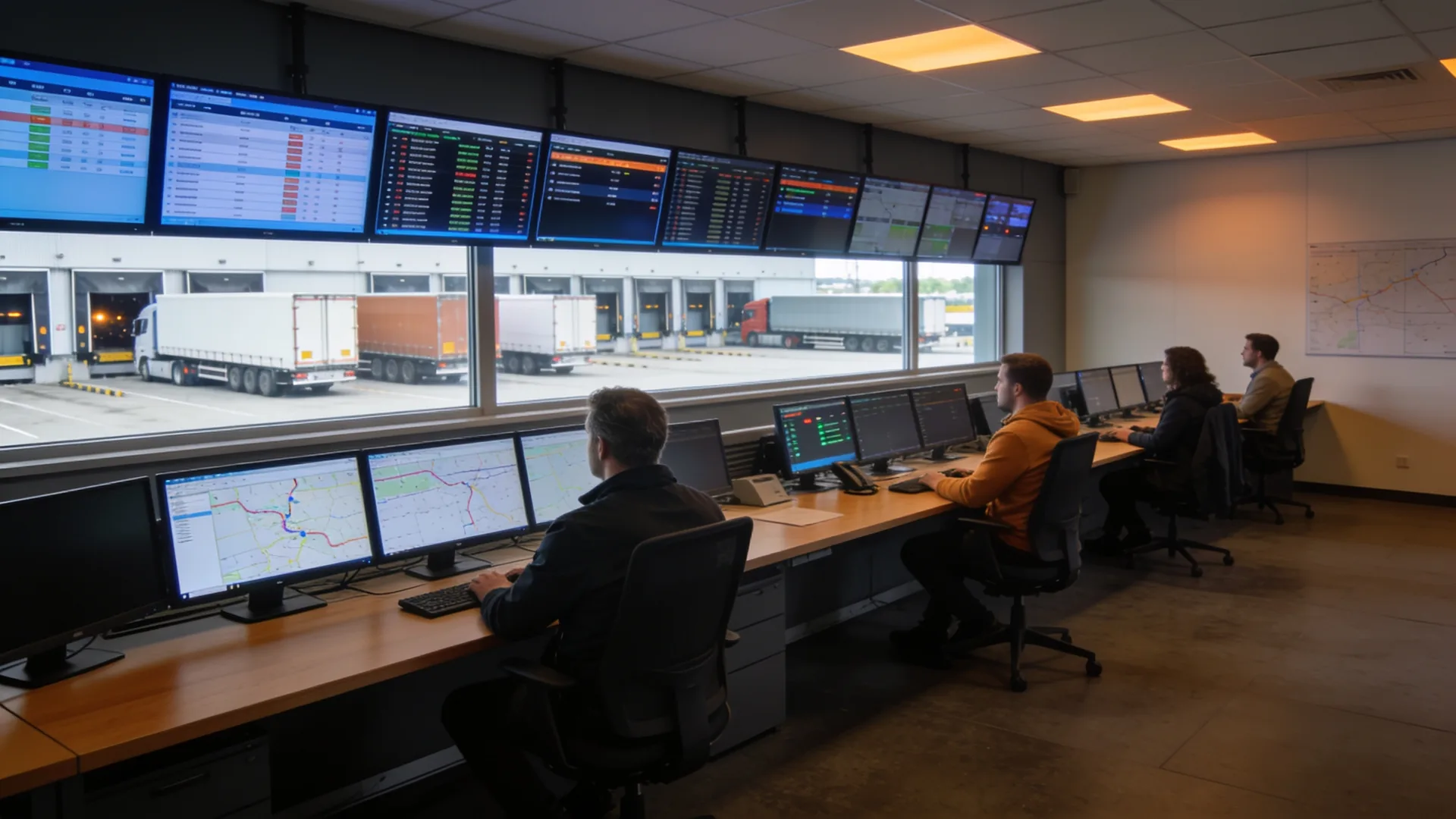
A transport management system: what the IT underneath has to do
A transport management system (TMS) plans routes, tracks consignments and prepares invoicing. When you choose one, you compare features and screens. What decides whether it works afterwards is never in the demo: the integrations, the in-cab devices and phones, who can see what, and what the planners do when the system is unavailable for an hour. That is the part of a TMS project that lands with IT.
You choose and implement the TMS with the software vendor; IT handles what sits underneath: integrations, devices, accounts, network and fallback.
Integrations with ERP, WMS, customers, hauliers and telematics are almost always the biggest part of the work, and the part that fails most often later.
Agree before go-live what the planners do when the TMS is unreachable, and who picks up a failed integration at which hour.
What a transport management system does, and what it does not
A transport management system is the software where orders arrive, routes are planned and consignments are tracked through to delivery. Most packages also calculate freight costs, produce the shipping documents and prepare invoicing. What exactly is included varies widely by vendor and by sector: a package built for groupage works differently from one for container haulage or temperature-controlled transport.
What a TMS is not: the network it runs on, the phones and in-cab devices drivers use it on, the accounts planners log in with, and the backup of its data. Those sit outside the package, and they are what this article is about.
So the question for whoever runs IT is not which TMS is best. Your planners judge that. The question is: what has to be in place, and who looks after it, so that the chosen TMS works at every hour of the day.
Cloud or your own server: who manages what
Almost every new TMS is sold as a cloud service; older installations still run on a server of their own. That difference decides who manages what, and it needs to be written down before you sign.
- As a cloud service: the vendor runs the application, the database and the updates. You remain responsible for the internet connection, the devices, the accounts and the integrations that start on your side. Ask how you export your data when you leave, and in which format.
- On your own server: then the server, operating system, database, backup and installing updates are also yours or your IT partner’s. Agree who installs a vendor update and when, because stopping a TMS in the middle of morning planning costs more than it gains.
Either way, the internet connection in the planning office is now business-critical. With a cloud TMS, a second line over a different route or a mobile fallback is not a luxury.
The integrations are the real project
A TMS rarely stands alone. Orders come from the ERP or straight from customers, the WMS reports what is ready, hauliers and subcontractors receive their jobs, telematics supplies positions and driving hours, and invoicing goes back to finance. Every line between them is an integration, and every integration can fail silently.
Before implementation, make a list showing for each integration:
- Which messages travel, in which direction and how often.
- How they travel: an API, an EDI message, a file on an SFTP server, or an export someone collects by hand.
- Who builds it and who maintains it when either side is updated.
- How you notice it has stopped, and who is told in the evening or at the weekend.
Most projects forget that last point. An order that never arrives produces no error in the plan; it is simply not there. We describe how this works in practice on our page on IT for transport and logistics.
In-cab devices, phones and handhelds
The TMS reaches into the cab: jobs on an in-cab unit or phone, a signature on delivery, a photo of a damaged pallet. Those devices are workstations without a desk, and they need the same management as a laptop.
- Remote management. You cannot set up a device sitting in a lorry in another country. With mobile device management you push the app, settings and updates centrally, and wipe a lost device.
- One app, not a whole phone. A device that only runs the TMS app, navigation and calls generates fewer tickets than a phone drivers can use for anything.
- Data abroad. Record which plans cover roaming and what the device does without signal: does the app work offline and sync later, or does the driver have to stop?
- Swapping devices. A spare that is ready and configures itself on login saves a journey.
The telematics unit in the lorry usually comes from its own supplier under its own contract. Agree where that data enters the TMS and who monitors that integration.
Accounts and permissions: planners, subcontractors and customers
A TMS has more kinds of user than most business software: planners, back office, drivers, subcontractors who see jobs, and customers tracking consignments through a portal. Each group should see exactly what belongs to it.
- Sign in with your own accounts. Let planners and office staff log in with your organisation’s account, with multi-factor authentication. Then access to the TMS disappears automatically when someone leaves.
- External users separately. A subcontractor or customer gets their own account with their own role, never a shared planning password.
- Review access once a quarter. A haulier you stopped working with a year ago can still see routes and customer addresses.
A TMS holds names, addresses and timings, which are personal data under UK GDPR. A cloud TMS vendor is therefore a processor, and you need a data processing agreement with them.
When the TMS is not there
The question rarely asked during selection and asked immediately at the first outage: what do the planners do if the system is unreachable for an hour? In transport, every minute rolls into the next job.
- A fallback on paper or in a file. An automatic export of the day’s plan every morning, so there is something to work from during an outage.
- Knowing where the fault is. The vendor, the internet line, the account or the device? That decides who fixes it. Agree in advance who answers that first question.
- A status page and a contact. Ask the vendor where they post incidents and who you call out of hours.
- Backup of your own data. On your own server that is your job. With a cloud service, ask how long restore points are kept and whether you can take a copy yourself.
What to ask the vendor before you sign
Let the planners assess the features. Alongside that, put these questions to the vendor and ask for the answers in writing:
- Which integrations are standard, which are built for us, and who maintains them after an update?
- Can users sign in with our organisation’s accounts, with multi-factor authentication?
- Does the driver app work offline, and on which devices is it supported?
- Where is the data held, how is it backed up, and how do we take it with us if we leave?
- How and when are updates rolled out, and can we agree a window that does not hit planning?
- Who is reachable for an outage at night or at the weekend?
A vendor with ready answers to these has heard them before. That is information too.
Where our work stops
What we do. We look after the IT underneath the transport management system: the network in the planning office, the warehouse and the yard, internet connections and fallback, in-cab devices, phones and handhelds under mobile device management, accounts and multi-factor authentication, and monitoring of the integrations so a stalled line is visible before planning notices.
What we do not do. The TMS belongs to the software vendor. We do not sell, implement or configure a TMS, and we do not set up planning rules, rates or schedules. We are not a freight forwarder or a haulier either: we do not plan transport, arrange freight or handle customs. Telematics and drivers’ mobile plans stay with their own suppliers.
Questions we get about this
The five that come up most often.
What is a transport management system?
A transport management system (TMS) is software where transport orders arrive, routes are planned and consignments are tracked through to delivery. Many packages also calculate freight costs, produce documents and prepare invoicing. What exactly is included varies by vendor and by type of transport.
What is the difference between a TMS and a WMS?
A WMS runs what happens inside the warehouse: receiving, storage, picking and preparing for dispatch. A TMS takes over once goods leave the warehouse: planning, transport and delivery. In practice the two are integrated, and that integration should be monitored.
Should a TMS run in the cloud or on our own server?
Most new packages are cloud services, so the vendor manages the application and updates. On your own server, managing the server, database and backup is also down to you or your IT partner. Either way the internet connection becomes business-critical and needs a second line.
Which integrations does a TMS need?
Usually the ERP or finance system, the WMS, the telematics in the vehicles, customers’ systems and hauliers or subcontractors. Those integrations run over an API, EDI messages or files. Record for each one who builds it, who maintains it and how you notice it has stopped.
Can you implement our TMS or do our planning?
No. The TMS belongs to the software vendor, who implements and configures it. We are not a freight forwarder and do not plan transport. We handle the IT underneath: network, connections, devices and mobile management, accounts, and monitoring of the integrations.
Further reading
What the TMS connects to.
Shall we walk through the IT under your TMS?
Tell us the package, the integrations and the devices that go with it. We will say what needs to be in place underneath and what we can take on; the package itself stays with your vendor.
Practical IT knowledge in your inbox
New guides on management, security and the workplace, written by the people doing the work. No sales talk, and you can unsubscribe in one click.