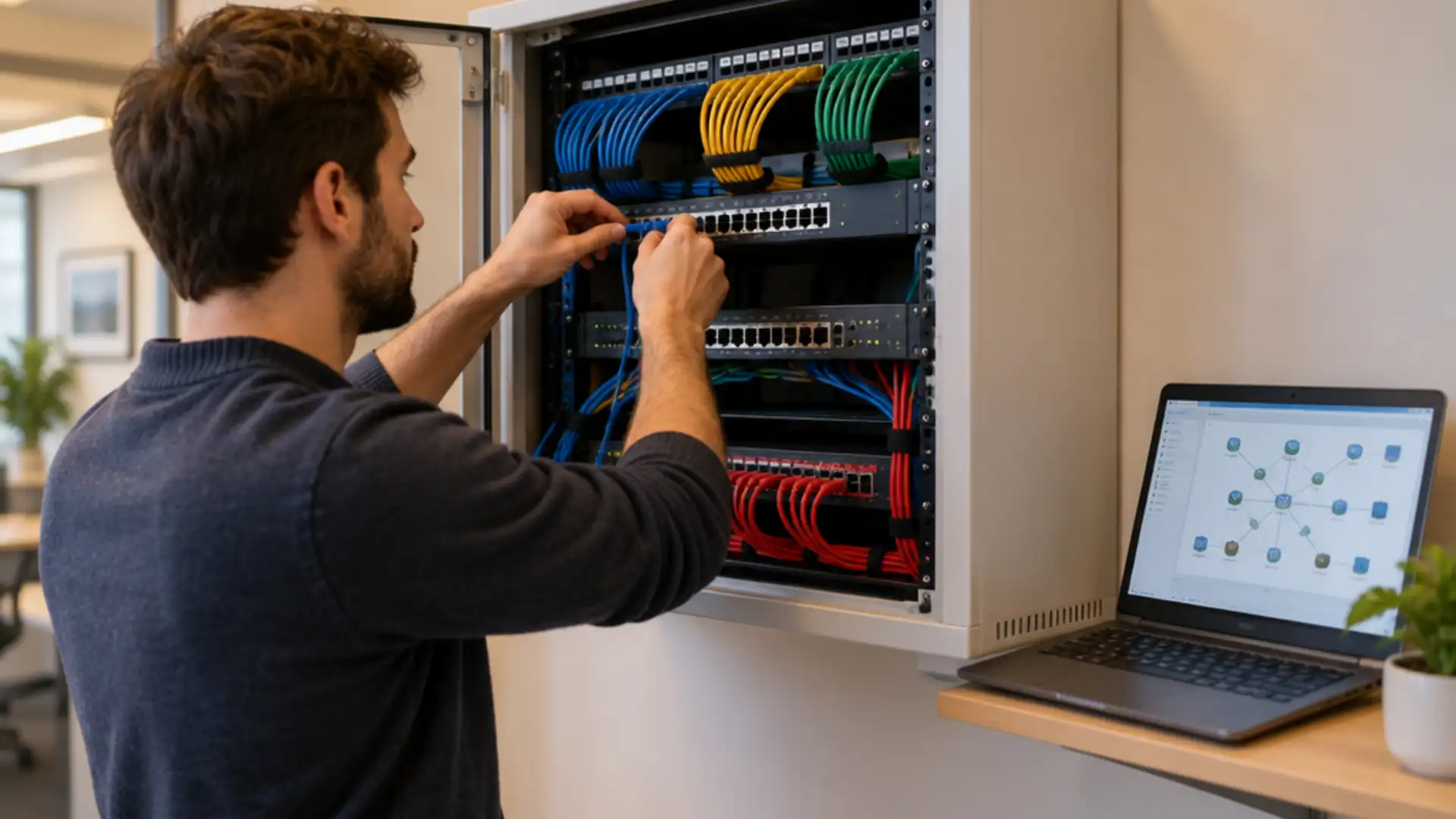
Power over Ethernet in the office: which devices run on it and how many watts your switch must deliver
Power over Ethernet (PoE) carries power and data down the same network cable to an access point, a phone or a camera. That saves a socket on every ceiling, but it also turns the switch into the power supply for half the floor. This is how to work out what that switch needs to handle, and where it goes wrong in practice.
Power over Ethernet delivers power over the network cable; the standard (802.3af, at or bt) sets how many watts each port can supply.
A switch’s power budget is the total across all ports at once, and it is almost always lower than the number of ports times the per-port maximum.
With PoE the switch becomes your power supply: a restart or a power cut takes access points, phones and cameras down together. The electrical installation itself stays with the electrician.
Power over Ethernet: power and data on one cable
With Power over Ethernet, the switch sends a low DC voltage alongside the data over the conductors of an ordinary network cable. The device at the other end takes its power from that and needs no adapter or socket of its own. In the standard, the switch is the power sourcing equipment and the device is the powered device.
That is more than convenience. An access point belongs on the ceiling, a camera above the entrance and a door entry unit beside the door, and none of those places has a socket. With PoE you run one cable, and the power sits somewhere you can manage it: you see per port what is being drawn and you can restart a device remotely.
The switch only supplies power once it has detected a PoE device on the cable. A laptop or printer without PoE on the same port simply gets data. That holds for standard PoE; it does not hold for the passive PoE covered further down.
From PoE to PoE++: what the standard promises per port
The standards come from the IEEE and differ mainly in how much power they allow per port. The first figure is what the switch supplies, the second what reaches the device after losses in the cable:
- 802.3af (PoE): 15.4 W per port, 12.95 W at the device. Enough for an IP phone, a fixed camera or a simple sensor.
- 802.3at (PoE+): 30 W per port, 25.5 W at the device. The usual size for access points.
- 802.3bt Type 3 (PoE++): 60 W per port, about 51 W at the device. For heavy access points and pan-tilt cameras.
- 802.3bt Type 4: 90 W per port, about 71 W at the device. For displays, heated cameras and devices you would otherwise plug into the mains.
The standards are backward compatible: an 802.3af phone works on an 802.3bt port. Not the other way round. An access point that asks for PoE+ will sometimes start on an af port, but with radios or ports switched off. It looks like a fault and is not one.
Datasheets also often give a class (0 to 8). It tells you which standard the device falls under and how much the switch reserves for that port.
Which devices run on PoE, and what they draw
In a typical office or shop, these devices run on PoE. What they draw varies widely, so check the datasheet for each model:
- IP phones. Usually 802.3af and a low class. A handset with a large colour screen or an expansion module draws more.
- Access points. The biggest item. The newer the generation and the more radios, the more power: many current models want PoE+ and the heaviest 802.3bt. How that works out in an office is on our page about business wifi.
- Cameras. A fixed indoor camera needs little. A pan-tilt camera, a camera with infrared illumination or an outdoor camera with a heater against condensation draws several times as much, and that peaks at night and in winter.
- Access control and door entry. Small in power, large in importance: if the power drops, the door does not open.
- Displays, small computers and sensors. Digital signage screens, mini PCs, occupancy sensors and even lighting exist in PoE versions, often on 802.3bt.
From device list to PoE budget
A switch’s PoE budget is the total it can deliver across all ports at the same time. That figure is listed separately on the datasheet and is almost always lower than the number of ports times the per-port maximum. A switch with 48 PoE+ ports can rarely power all of them fully at once.
This is how to work it out:
- Make the list per switch, not per building. Every device with its standard, its class and the maximum power from the datasheet.
- Use the maximum, not the average. A heated camera draws far more on a cold night than on a Tuesday afternoon. The switch has to cope with the peak.
- Check how the switch reserves power. Some switches hold the class maximum for every port, even when the device uses less. Others work from what is actually drawn, or let the device request an exact figure over LLDP. That difference decides how many devices actually fit.
- Look at the power supply. On some models the budget depends on the power supply fitted, and a second supply adds budget or redundancy.
- Leave headroom for the access point or camera that arrives next year.
Why at this scale you want a switch that shows per-port draw and supports priorities is covered in our article on managed vs unmanaged switches. Here it is about the sum: it has to add up before the switch is ordered.
The cable: a hundred metres, copper and heat in the bundle
PoE has the same length limit as Ethernet: 100 metres from switch to device, including the patch leads at both ends. Beyond that the data drops first and then the power.
- Solid copper. Copper-clad aluminium (CCA) cable is cheaper and does not meet the standard. It has higher resistance, runs warmer and loses more power on the way. With PoE that is not a detail.
- Heat in bundles. Every cable carrying power warms up slightly, and in a thick bundle above a suspended ceiling that adds up. For high power, the cabling standards (ISO/IEC TS 29125) set limits on bundle size and recommend heavier cable. For new cabling intended for 802.3bt, Cat6A is the safe choice.
- Connectors. Unplugging under load causes a small spark on the contacts. Good connectors and a patch panel, rather than loose cables straight into the switch, keep that manageable.
A cable that was fine for data can disappoint with PoE. Adding heavier access points or cameras therefore also raises the question of what cable is in the ceiling.
The switch is now your power supply
With PoE, the power for access points, phones, cameras and doors depends on the switch. That has three consequences worth knowing in advance:
- A restart turns everything off. During a firmware update the switch restarts and every connected device drops at once; access points and phones then need their own boot time too. Schedule it outside office hours. Some switches keep PoE power up during a restart; vendors call this perpetual or fast PoE, for example.
- A UPS now covers more than the server. If the switch is on a UPS, cameras and door entry keep working during a power cut. Add the PoE load to the UPS sizing, because it comes on top.
- Choose what goes off last. A switch that exceeds its budget shuts ports down in order of priority. Put door entry and the cameras at the entrance high, and the printer in the corridor low.
All that power also turns into heat in the network cabinet. A cabinet with a few PoE switches running at full budget gets noticeably warmer than the same cabinet without.
Injector, splitter or extender: the standalone option
Not every situation calls for a PoE switch. For a single access point where there is no PoE, an injector is a small box between the switch and the device that adds power to the cable. A splitter does the opposite and takes the power off again at the device end for something without a PoE input. An extender bridges the 100 metres, at the cost of some power.
That works, but it is loose kit with its own plug, no monitoring and often tucked behind a ceiling tile where nobody finds it again. Beyond a handful of devices, a PoE switch is easier to manage.
Be careful with passive PoE. Some devices, often cheaper access points and wireless bridges, use a fixed voltage without any detection first. A passive injector on a device that does not expect it, or on a laptop, can damage it. Do not mix it with standard PoE without knowing which is which.
Where our work stops
What we do. We draw up the device list and the PoE calculation per switch, advise on and supply the switches, access points and cameras, install the data cabling, mount the equipment, set PoE priorities and then manage the network with monitoring and firmware updates.
What we do not do. The electrical installation is work for a qualified electrician: an extra circuit or socket for the network cabinet, connecting a UPS to the distribution board and anything on the mains. That work falls under the wiring regulations, in the UK BS 7671. Cooling a plant room is not network work either. We do tell you how much power and heat the equipment needs, so the electrician knows what to install for.
Questions we get about this
The five that come up most often.
What is Power over Ethernet?
Power over Ethernet (PoE) is a technique where a switch sends power as well as data over an ordinary network cable. The device at the other end, such as an access point, IP phone or camera, then needs no socket or adapter of its own. The switch only supplies power once it has detected a PoE device on the cable.
What is the difference between PoE, PoE+ and PoE++?
The difference is the power per port. PoE (802.3af) supplies 15.4 W per port, PoE+ (802.3at) 30 W and PoE++ (802.3bt) 60 or 90 W, depending on the type. A little less reaches the device because of losses in the cable. A higher-rated port also powers lighter devices, but not the other way round.
How many watts does my PoE switch need?
For each switch, add up the maximum power of every device connected to it, as listed on its datasheet, and leave headroom for growth. Compare that with the switch’s PoE budget: the total across all ports together, which is almost always lower than the number of ports times the per-port maximum. Plan for the peak, because heated cameras draw more in winter.
How long can a PoE cable be?
A hundred metres from switch to device, including patch leads, the same as ordinary Ethernet. Use solid copper cable rather than copper-clad aluminium, which loses more power and runs warmer. For high power in large bundles, Cat6A is the safe choice.
Do you also install the power supply for the network cabinet?
No. An extra circuit, a socket or connecting a UPS to the distribution board is work for a qualified electrician, under BS 7671 in the UK. We supply and configure the network equipment and tell you how much power and heat it needs, so the electrician knows what to install for.
Further reading
What Power over Ethernet connects to.
Shall we check your PoE budget?
Send us the list of access points, phones and cameras per floor and the switch model you have now. We will work out whether it fits, where it gets tight and which cable goes with it.
Practical IT knowledge in your inbox
New guides on management, security and the workplace, written by the people doing the work. No sales talk, and you can unsubscribe in one click.