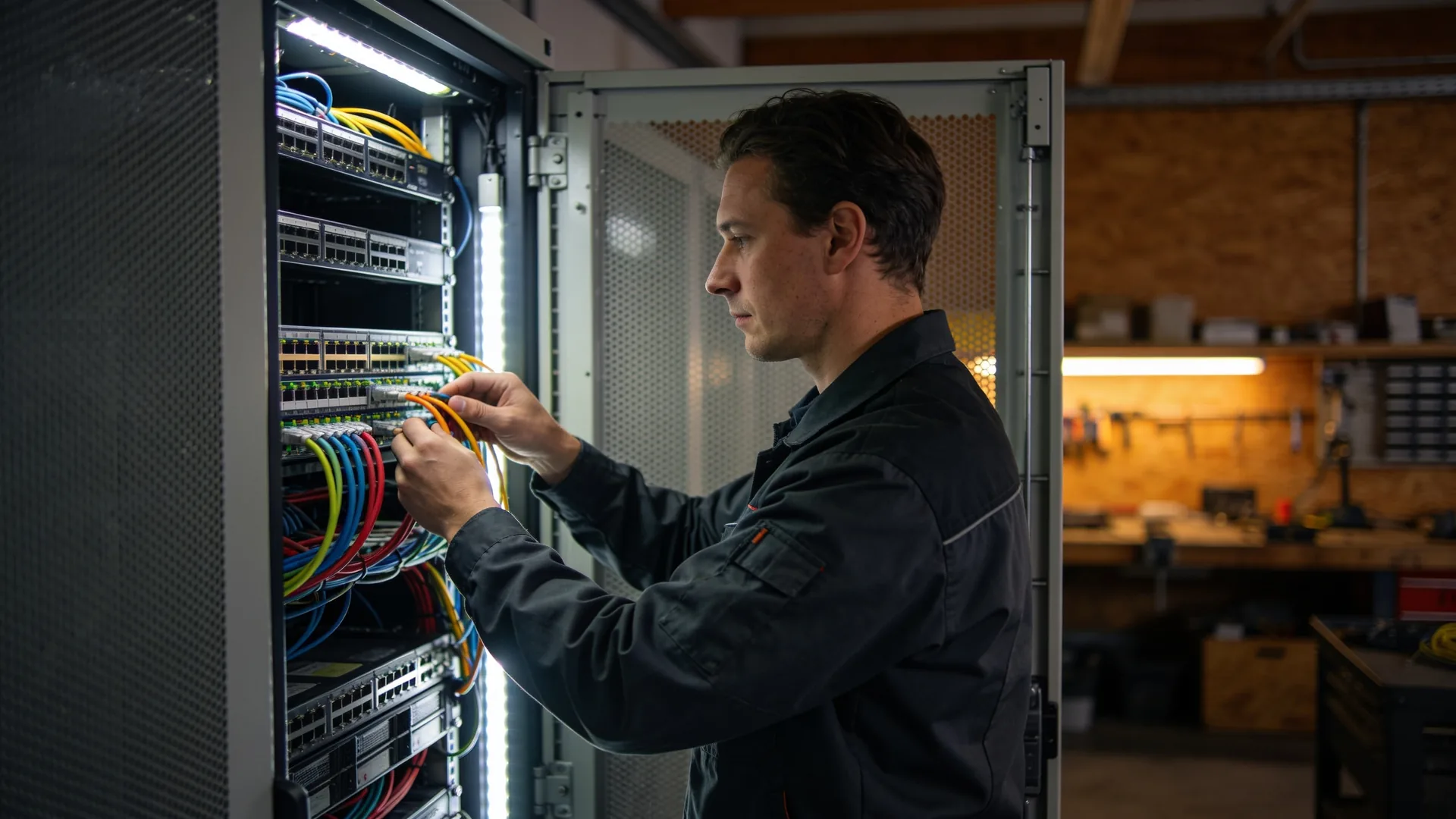
Network maintenance services: what a maintenance visit covers for switches, access points and the firewall
Network maintenance is the work nobody sees while it happens: updating firmware, securing the configuration, checking ports and logs, and spotting in time which device is about to stop receiving updates. Monitoring tells you something has broken; maintenance makes it break less often. This is the list we work through on every visit, so you know what network maintenance services should deliver and what you should see afterwards.
A network maintenance visit has a fixed list: firmware, configuration backup, ports and logs, PoE and the cabinet itself, licences and lifecycle.
A configuration backup is only a backup once it is stored off the device and has been restored at least once.
Every visit ends with a short report: what was done, what was found and what needs replacing in the coming period.
Network maintenance: what it is, and what monitoring does not do
Network maintenance is the planned work on switches, access points, routers and the firewall that keeps them running securely and predictably. It is not the same as monitoring. Monitoring watches continuously whether everything is reachable and raises an alert when it is not; how to set that up is in our article on network monitoring. Maintenance is the visit that comes at an agreed time, even when there has not been a single alert.
The difference matters because most network problems are not outages you see coming. A firmware version with a known vulnerability, a configuration that only exists in running memory, a support contract that lapsed last month: none of them turns a light red. You find out on the day you need it.
A maintenance visit is therefore a list, not a feeling. The rest of this article is that list, in the order we work through it.
Firmware: updating with a way back
Firmware is the software on the network equipment itself, and vendors regularly release new versions with security fixes. But the newest version is not automatically the best one. What belongs in a visit:
- Reading the vendor’s security advisories for every type of device on site, and establishing whether a vulnerability affects your version and your configuration.
- Reading the release notes before updating. They say what changes, what is known to go wrong and whether a version has to be paired with an update to the controller or other devices.
- Rolling out in stages. One switch or one access point first, leave it running for a day, then the rest. A fault in a new version then hits one floor, not the whole building.
- A way back. The previous version and the configuration are ready, so rolling back takes minutes rather than an afternoon.
Keeping all devices on the same version is less work than it sounds and saves a lot when tracking down a fault: different versions in one network behave differently, and then every incident starts with working out what runs where.
The configuration backup, and testing it
The configuration is years of work: VLANs, port settings, firewall rules, VPN tunnels, wireless networks. If a switch fails, the hardware is replaced within a day. Rebuilding the configuration from the memory of someone who has since left takes far longer.
- A backup after every change, and a check at each visit that one exists for every device and is recent.
- Stored off the device, ideally with versions, so you can see what changed between two points in time.
- Saved and running in step. On many switches a change first lives only in running memory. If it is not saved, it disappears at the next restart, which is often straight after a power cut.
- One actual restore. Onto a spare device or into a test environment. A backup that has never been restored is a file you hope will work.
Checking ports and logs
This is the part of a visit that finds the most and gets noticed the least. A switch keeps counters of what goes wrong on each port, and few people read them.
- Error counters per port. Lots of errors on one port point to a bad cable, a damaged patch lead or a mismatched speed setting. A desk stuck at 100 Mbit while everything else runs at 1 Gbit is usually a cable.
- Ports that keep going up and down. A device that reconnects every few minutes shows up as “the network is slow”, not as an outage.
- Unused ports. Disabled or placed in a closed VLAN, so nobody can plug a laptop into an empty wall outlet and land on the office network.
- The logs. Unexpected restarts, topology changes, failed logins to the management interface. That only works if the clocks on all devices agree; otherwise the logs cannot be lined up.
- Who has admin access. Accounts of former staff and former suppliers come off, and the factory default password should not be on anything.
The PoE budget and the cabinet itself
A switch with Power over Ethernet powers access points, phones and cameras, and has a maximum amount of power it can deliver in total. At the visit, actual draw is set against that budget. If it is close, the next device plugged in gets no power, or another one drops off. Better to reach that conclusion at a visit than on the day three cameras are added.
Then the cabinet. Dust on fans and filters, a fan that has stopped, the temperature inside, and whether the patch leads still match the patching schedule. If the UPS runs a self-test, check that it has run and how old the batteries are. A UPS sometimes reports a worn battery only at the moment it needs it.
If the patching schedule no longer matches, update it in the same visit. A cabinet where nobody knows which cable goes where makes every future fault take longer.
Licences, support contracts and end of life
A lot of network equipment runs on subscriptions: the security services on a firewall, the cloud controller for the access points, the support contract that gives you replacements and new firmware. When one expires, the device often keeps working. It just stops filtering, or stops receiving updates. Every visit therefore includes a list of expiry dates.
The same goes for lifecycle. Vendors announce when a model is no longer sold and when it stops receiving support and security updates. A device that no longer gets updates is not a maintenance item but a replacement item, and belongs in the report with a date, so the replacement lands in a budget instead of in an outage.
Reviewing the firewall rules themselves, which ones are still needed and which nobody can explain any more, is a separate job. That is our firewall review and does not belong in every visit.
Network maintenance for SMEs: how often, and what you get back
A fixed rhythm works better than a visit “when there is time”. A schedule that works well for SMEs:
- Continuously: monitoring, and a configuration backup after every change.
- Monthly: going through vendor security advisories and deciding whether anything needs priority.
- Quarterly: the visit in this article: firmware, ports, logs, PoE, admin access, licences.
- Yearly: the cabinet, the patching schedule, the lifecycle of everything installed and a restore test of the configuration.
Agree a maintenance window outside the hours when the office or shop needs the network, and announce beforehand what will happen. Restarting the core switch at ten in the morning costs more than it delivers.
Ask for a report after every visit, one page: which versions now run, what was found, what was fixed and what needs replacing within a year. How to put that in a contract is covered in our article on the IT support agreement.
Where our work stops
What we do. We carry out network maintenance on switches, access points, routers and firewalls: firmware, configuration backups, ports and logs, PoE, licences and a replacement plan, with a report after every visit. Where it has to happen on site, we do it with our own local engineers, in every country.
What we do not do. The electrical installation belongs to the electrician: the circuits in the distribution board, the sockets and the supply to the comms cabinet, earthing and the inspection of the installation. We install the UPS and check that it does its job, but we do not work on the fixed installation behind it. The fibre, cable or mobile connection up to the building belongs to the network operator; we manage what connects to it inside the building.
Questions we get about this
The five that come up most often.
What do network maintenance services include?
Planned work on switches, access points, routers and the firewall: updating firmware, securing the configuration, checking error counters and logs, checking the PoE budget, cleaning up admin access and tracking the expiry of licences and support. Every visit ends with a report of what was done and what was found.
How often should a network be maintained?
A common rhythm is a visit every quarter, a monthly check of vendor security advisories and a yearly round of the cabinet, the patching schedule and the lifecycle of the equipment. A configuration backup belongs after every change, not only at the visit.
Should firmware always be on the latest version?
No. A new version can fix a vulnerability and introduce a new fault at the same time. Read the security advisories and release notes, update one device first and keep the previous version ready to roll back. A known vulnerability that affects your configuration does get priority.
What is the difference between network maintenance and network monitoring?
Monitoring watches continuously whether devices are reachable and alerts when something fails. Maintenance is a planned visit that happens even without a single alert, and finds what raises no alarm: outdated firmware, an unsaved configuration or an expired licence. You need both.
Do you also work on the power supply to the comms cabinet?
No. The electrical installation, such as circuits, sockets, earthing and their inspection, is the work of a qualified electrician. We install and check the UPS and the network equipment, and specify what power the cabinet needs so the electrician can provide it.
Further reading
What this maintenance connects to.
Shall we walk through your network once?
We start with an inventory: what equipment is installed, which firmware it runs, whether the configuration is safely stored and what is about to stop receiving updates. After that you know what a maintenance visit means for you.
Practical IT knowledge in your inbox
New guides on management, security and the workplace, written by the people doing the work. No sales talk, and you can unsubscribe in one click.