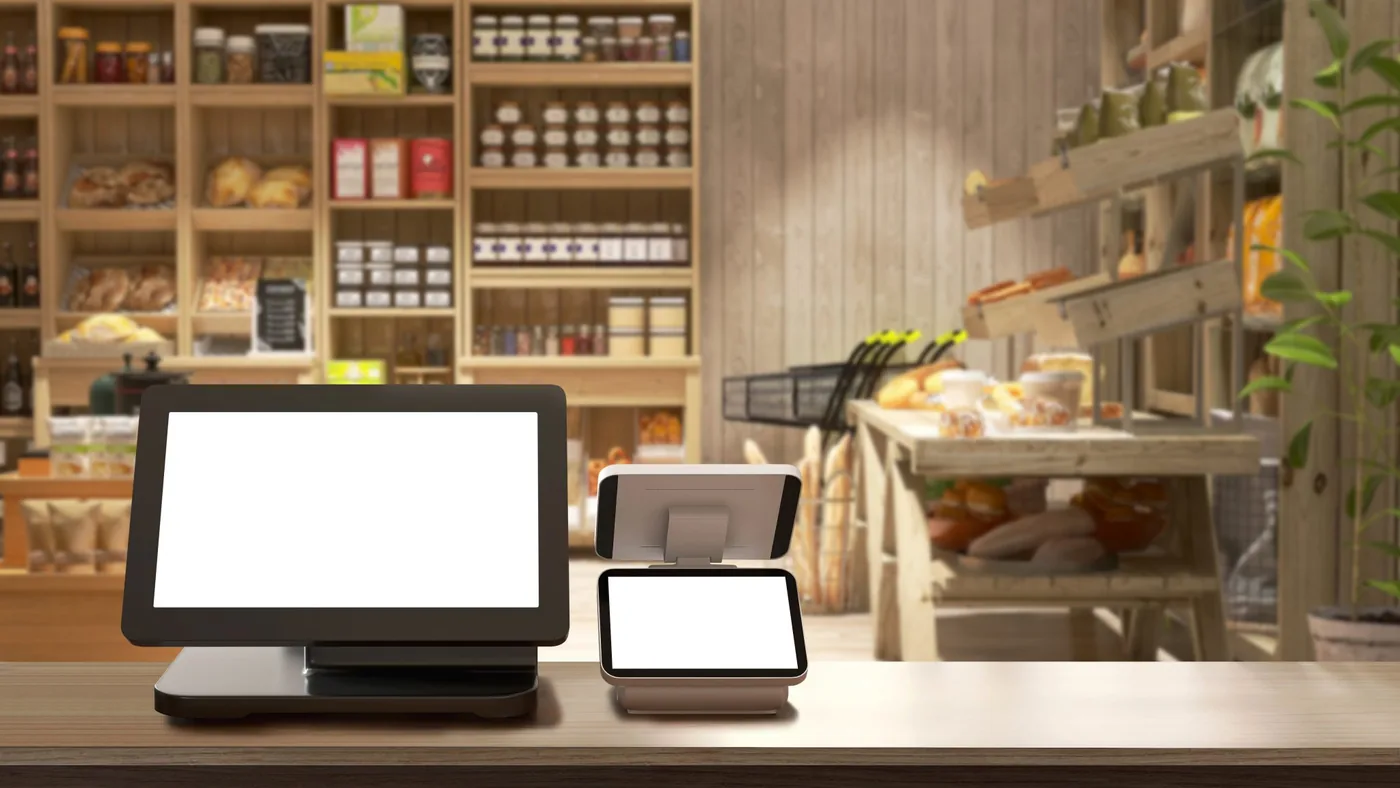
Endless aisle in store: the whole range on one screen, and what has to be right behind it
Endless aisle means a customer in a shop can order what is not on the shelf: another size, a colour from the warehouse, a product that is only sold online. A kiosk or a tablet makes that possible. Whether it works depends less on the screen than on what sits behind it: stock that is accurate, an order that gets paid somewhere and a device that is managed.
Endless aisle lets a customer order in store what is not on the shelf. Start with the problem you are solving: space, missing sizes or a long tail of the range.
A tablet in a sales assistant’s hand often works better than a kiosk the customer faces alone. The form follows from who completes the order.
The platform and the product data belong to a third party, and payment runs through your payment provider. We handle the kiosk or tablet, device management and the network.
What endless aisle is, and which problem it solves
Endless aisle extends the shelf: in store, the customer can see and order the whole range, including what is not there at that moment. The order is then delivered to their home, collected later from the same shop or sent from another branch.
Start with the problem, not the screen. Three reasons come up most often, and each needs something different:
- Too little space. A small shop can only display part of the range. Then it is about searching and comparing, and a large screen with good product images matters most.
- A size or colour has sold out. The customer is at the shelf and the right item is missing. Then it is about speed: ordering in a few taps, ideally with a sales assistant’s help.
- The long tail. Products that sell too slowly to stock, such as spare parts, accessories and special versions. Then it is about a range that only exists online, and delivery times that are accurate.
Write down per store format which of the three it is. That decides the form, the spot in the shop and who is responsible when the customer gives up halfway.
A kiosk, a staff tablet or the customer’s own phone
There are three forms, and they mainly differ in who completes the order.
- A fixed kiosk. The customer uses it on their own. Good for browsing a large range at leisure, less good once an address, a payment or a question is involved. A kiosk nobody uses is still standing there a year later.
- A tablet in a sales assistant’s hand. The assistant searches, advises and prepares the order. Often the form that delivers most, because the customer is not left alone at the moment they hesitate. The tablet is a shared work device and belongs in device management.
- The customer’s own phone. A QR code at the shelf leads to the webshop. The cheapest to build, but the order leaves the shop: the customer can just as easily carry on at home, and whether the store gets the sale is not settled by default.
Many retailers start with the tablet and only then place a kiosk where customers want to browse on their own. The other way round goes wrong more often.
Stock and product data: the promise on the screen
A screen that says “in stock” makes a promise. If it is wrong, you have a customer disappointed twice: first at the shelf, then at the confirmation that it cannot be delivered after all.
- Which stock you show. The warehouse, other branches or the supplier. Each source has its own delivery time, and the customer hears it before ordering.
- How fresh the stock is. Is it updated every minute, every hour or once a night? For a product with two left, that is the difference between an order and a cancellation.
- The same price everywhere. The screen, the shelf label and the till should show the same price. If they come from different systems, it is only a matter of time before they drift apart.
- Product images and descriptions. A customer who cannot pick up a product decides on photos and specifications. If those come from the webshop, they are as good as the webshop.
That data lives in the ERP, the product information system and the commerce platform. The endless aisle screen only displays it, and it cannot make it better than it is.
Checkout and fulfilment: where the order goes
An order placed on a kiosk or tablet has to be paid somewhere, and there are three routes:
- At the till. The kiosk or tablet creates an order with a barcode or QR code, and the customer pays at the normal till. The simplest, because payment then runs like any other. The till system does need to be able to pick up that order.
- On the device. A card terminal at the kiosk or paired with the tablet. That terminal comes from your payment provider and sits under its contract.
- Through a payment link. The customer gets a link by email or text and pays on their own phone. Convenient, but the customer can walk out without paying, and the order then stays open.
And decide in advance who gets the sale. Does an order through the kiosk count for the store, the webshop or both? That is a commercial decision rather than an IT question, but without it the in-store tablet soon becomes a device nobody picks up. The technology then only has to record it properly: which store, which device and, if it counts, which sales assistant. How tills and branches stay connected is covered under POS and branch connectivity.
Network, device management and customer data
On the shop floor, endless aisle is a networked device that anyone can touch. Four arrangements belong with it.
- Coverage where it is used. A tablet moves around the shop, so the wifi has to reach the back of the store and the fitting rooms too. A kiosk belongs on a cable.
- A separate network segment. Kiosks and tablets apart from the tills and office devices, with access only to the platform they need.
- Device management. A kiosk runs in kiosk mode on one app; a staff tablet is a shared device with a separate sign-in per assistant. Both are managed remotely, including updates outside opening hours and a remote wipe if one goes missing. How enrolment works is described under mobile device management.
- Customer data. An address, an email address, sometimes a phone number: that is personal data, and it should be gone before the next customer steps up to the kiosk. Agree how long the platform keeps it and make sure there is a data processing agreement.
Start with one store
Start with one store, or two that differ, and run it there for a few weeks with real customers and real stock. What you learn there, no demo will show you.
- How many orders come through the device, and for which kinds of product.
- How many are cancelled because the stock was wrong. That figure says more about your data than about the screen.
- What happens with returns. Can a product ordered through the kiosk be returned in store? If the answer is no, the customer should hear that up front.
- Whether staff use it. A tablet left in a drawer is the most honest measurement there is.
Then define a standard set-up per store format: which device in which spot, which mount, which connection and which settings. The rollout then becomes a repeat with a schedule.
What to ask the endless aisle platform
Endless aisle is usually part of a commerce platform or a separate app on top of it. Ask before you choose:
- Which systems do stock, price and product data come from, and how often are they updated?
- Which payment routes are supported: at the till, on the device or through a link? Which till systems and payment providers does it work with?
- Which devices does it run on: tablets only, kiosks as well, and which operating systems?
- Can each sales assistant sign in separately, and can the order be linked to a store and a staff member?
- What does the customer see when the connection drops or the platform is unreachable?
- How long is customer data kept on the device and in the platform?
Where our work stops
What we do. We supply the kiosks, tablets and mounts, enrol them in device management, set them up in kiosk mode or as shared work devices, configure the wifi and the network segment and keep them under management afterwards. On site, our own local engineers do that, in every country, including rollouts across several stores.
What we do not do. The endless aisle platform and the product data belong to a third party: the commerce software, the ERP and the product information system, with the stock, prices and images in them. We do not set prices or decide the range. The card terminal comes from your payment provider and sits under its contract; we do not process payments. And delivering the order is work for your logistics partner, not for us.
Questions we get about this
The five that come up most often.
What is endless aisle in retail?
Endless aisle is a way of showing and selling the whole range in a physical shop, including what is not on the shelf. Through a kiosk, a staff tablet or the customer’s own phone the product is ordered and then delivered to the customer’s home or collected in store.
Is a kiosk or a tablet better for endless aisle?
That depends on who completes the order. A kiosk suits customers who want to browse a large range themselves. A tablet in a sales assistant’s hand often works better once advice, an address or a payment is involved. Many retailers start with the tablet.
How does a customer pay for an endless aisle order?
There are three routes: the kiosk or tablet creates an order that is paid at the normal till, a card terminal sits at the device, or the customer gets a payment link on their phone. The first is usually the simplest, because the payment then runs like any other.
What do you need to introduce endless aisle?
A platform that shows stock, prices and product data from your systems, devices under device management, a network with coverage where they are used, and an agreed route for checkout and delivery. Most important is stock that is accurate; without it, the screen promises something the shop cannot deliver.
Do you also supply the platform or the card terminal?
No. The platform and the product data belong to a third party, and the card terminal comes from your payment provider; we do not process payments. We supply and manage the kiosks and tablets, set up device management and the network, and make sure they work the same way in every store.
Further reading
What endless aisle connects to.
The shop floor first, then the screen
Tell us how many stores there are, which platform you have in mind and whether it will be a kiosk or a tablet. We will tell you what devices, management and network it needs; the platform and the payment stay with their own providers.
Practical IT knowledge in your inbox
New guides on management, security and the workplace, written by the people doing the work. No sales talk, and you can unsubscribe in one click.