Choosing colocation: what you rent, what stays yours, and what to ask the data centre
With colocation you put your own servers in somebody else’s data centre. You rent space, power, cooling, connectivity and security; the equipment and everything running on it stay yours. That sounds like a simple split, but the terms that make the difference are rarely on the first page of a quote. These are the questions we ask before anyone rents a rack.
With colocation you rent space, power, cooling, connectivity and physical security. The hardware, its management, the backup and the replacement stay with you.
A tier rating says something about the data centre’s design, not about your availability. Ask whether it is certified or merely described that way.
The questions that matter are about power per rack, dual feeds, who may touch your equipment, and how you get out again.
What you rent with colocation
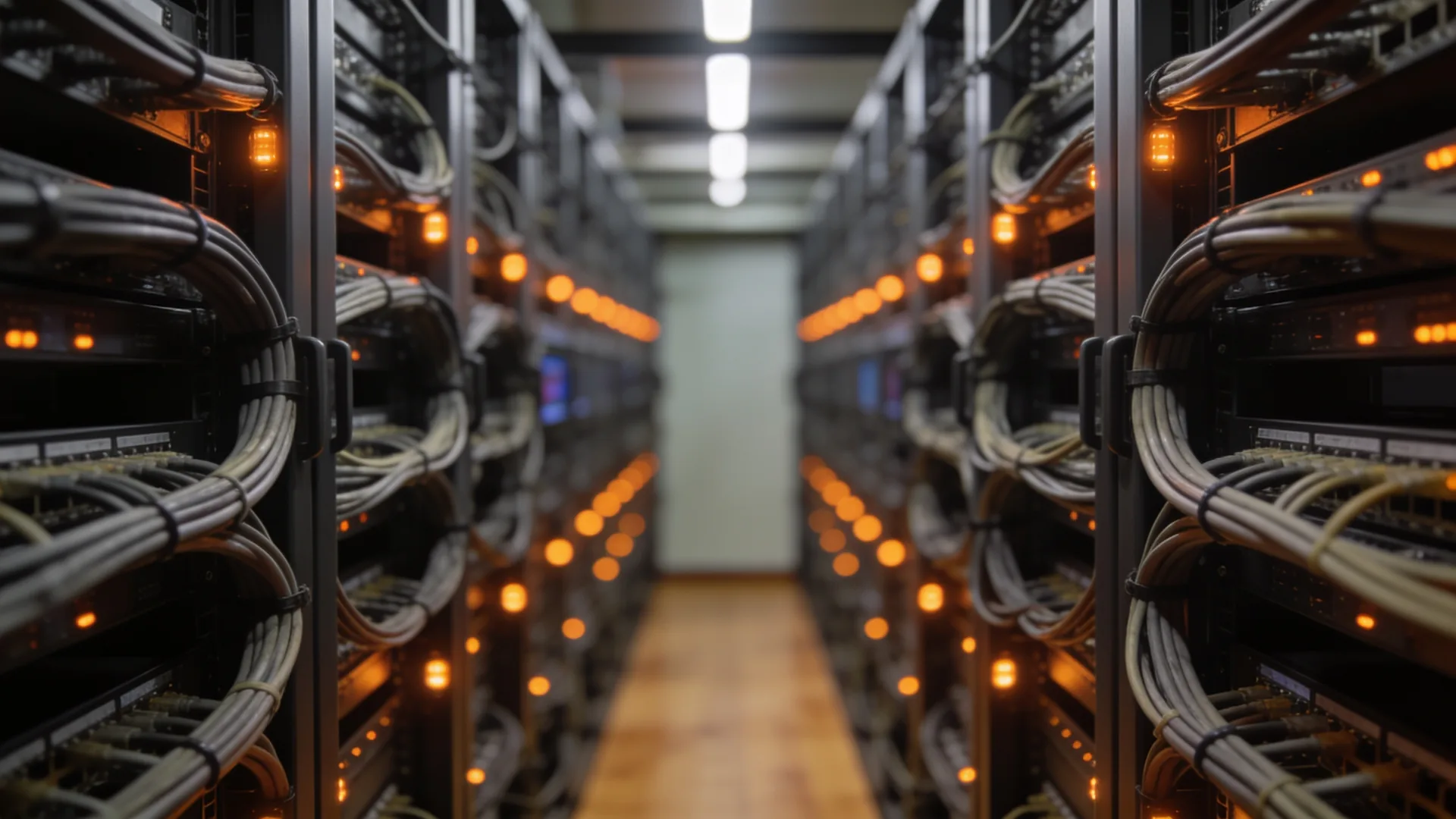
Colocation means renting a place for your own equipment in a professional data centre. That place can be a few rack units in a shared rack, a full rack, or a locked cage with several racks. What you buy is what a server room in your own building rarely has in good order:
- Power with backup: UPS and generator, and ideally two separate feeds per rack.
- Cooling designed for the heat servers produce, even on the hottest day of the year.
- Connectivity from several internet and network carriers in the same building.
- Physical security: access control, CCTV, staff on site, fire detection and suppression.
- Remote hands. Data centre staff who, at your request, swap a cable, restart a server or change a disk, usually charged per task or per hour.
What drives the price follows from that list: space in rack units or racks, the power you take, the number of connections to carriers and how often you use remote hands. Compare quotes on those lines, not on a single total.
What you still do yourself
The misunderstanding with colocation is that it feels like outsourcing. It only partly is. The data centre makes sure your rack has power, cooling and a connection; what sits in that rack is yours and remains your responsibility.
- The hardware. Purchase, warranty, maintenance and replacement at end of life.
- Everything that runs on it. Operating systems, virtualisation, patches, applications and their licences.
- The network in your rack. Firewall, switches and their configuration; the data centre provides the connection, not your network design.
- Backup and recovery. A server in a good data centre can still suffer a failed disk, a ransomware attack or a wrong command. The backup belongs somewhere else.
- Monitoring. The data centre sees whether your rack draws power, not whether your application works.
So plan up front who does that management, and how they get there when something physical needs doing. A data centre two hours’ drive away is different from one twenty minutes away.
When colocation fits, and when it does not
Colocation sits between two better-known options. On one side, the server room in your own building, which can be fine for a few servers as long as power, cooling and access are in order; what that involves is covered in server room requirements. On the other side, the cloud, where you no longer own hardware at all.
Colocation fits when there is hardware you have a good reason to own, but your own building is no longer a good place for it: an office that is moving or has no dedicated power circuit and cooling, systems with a constant and predictable load, equipment for which the vendor has no cloud option, or a second site for recovery. It fits badly if what you really want is to be rid of the management; then you move the problem somewhere else instead of solving it.
Watch the difference with dedicated server hosting as well. With a rented server, the hardware belongs to the provider, who maintains it. With colocation it belongs to you. Quotes and search results often use the two interchangeably.
What a data centre tier does and does not tell you
Data centres are often described by a tier. The best-known classification is the Uptime Institute’s, from Tier I to Tier IV. In short: Tier I has basic facilities without redundancy, Tier II has redundant components, in Tier III every component can be maintained without switching off the equipment in the halls, and Tier IV keeps running through any single fault. In Europe there is also the EN 50600 standard, whose availability classes ask similar questions.
Three things to know before you attach value to it:
- Certified or claimed. A data centre that says “Tier III design” or “Tier III compliant” does not necessarily hold a certificate. Ask which certificate exists, for which part (design, constructed facility or operations) and from when.
- It is about the building, not about you. A Tier IV facility does not help if your server has one power supply or your rack hangs off one power distribution.
- Higher is not automatically better. The higher the tier, the more expensive the facilities. For a recovery site or a test environment, a lower tier is often a perfectly sound trade-off.
Power and cooling: the figures to ask for
With colocation, power and cooling together are the most important thing you buy, and the part where quotes are hardest to compare. Ask specifically:
- How much power per rack is possible, and how much you need. Add up the power draw of your equipment and leave room for growth; a modern server with a lot of compute needs more than the one it replaces.
- Two feeds per rack, from separate distributions. And make sure your own equipment has two power supplies connected to both. Otherwise that second feed is reassurance on paper.
- How power is billed. An agreed capacity you pay for regardless, or what you actually use. That decides whether oversizing costs you money.
- How cooling is arranged and up to what density per rack it works. Ask about the building’s energy efficiency too; a data centre that tracks it can tell you.
Connectivity and location
A rack without good connectivity is a storage unit. A data centre where several internet and network carriers come in is called carrier-neutral, and that is what you want: you choose your own carrier and can switch later without moving.
- Which carriers are present, and whether your current one can get there. The link to your office or other sites is part of this.
- How a cross-connect works. The cable between your rack and the room where carriers come in is usually ordered and charged separately. Ask how long it takes and who orders it.
- Two routes. Two connections entering the building through the same entry point disappear together when someone digs through them.
- Distance. To your office, in case someone has to come in person, and to your recovery site, which should not be in the same area as your main site.
The contract and the questions for the data centre
Beyond the technology, there are terms that only count when something goes wrong. Put them on the list before you sign:
- Access. Who from your organisation or your support partner may enter, how you register someone, and how quickly that works out of hours.
- Remote hands. What they may and may not do, how quickly they respond, and how you get evidence of what was done.
- Maintenance and notifications. How far ahead you hear about planned work on power or cooling, and how you are informed during an outage.
- Certifications. An information security certificate such as ISO/IEC 27001 for the physical environment, and its scope. Read which site and which services it covers.
- Term, price changes and exit. How long you are committed, on what basis the price may rise, and what happens if you want to move or the facility closes.
- Insurance. Your equipment is usually not insured by the data centre. Check with your own insurer whether it is covered at that site.
Where our work stops
What we do. We help you put the questions above to a data centre and compare the answers side by side, we move the equipment, install the rack, do the cabling and set up the network, and we then manage the servers remotely. When something physical needs doing, we arrange the remote hands or come ourselves.
What we do not do. We do not have our own data centre and we do not rent out rack space. You sign the colocation contract with the data centre, and power, cooling, access control, fire protection and the availability of the building are theirs. We do not certify data centres and give no view on their certificates beyond what is in them. And whether your equipment is insured at that site is a matter for your own insurer.
Questions we get about this
The five that come up most often.
What is colocation?
With colocation you place your own servers and network equipment in somebody else’s data centre. You rent space, power, cooling, connectivity and physical security. The equipment, its management, the backup and the replacement stay with you.
What is the difference between colocation and dedicated hosting?
With colocation the hardware is yours, and you manage it or have it managed. With dedicated hosting the hardware belongs to the provider, who also maintains and replaces it. With the cloud you own no hardware at all and rent compute and storage.
What are data centre tiers?
The Uptime Institute classifies data centres from Tier I to Tier IV, from basic facilities without redundancy up to a facility that keeps running through any single fault. A tier describes the building, not your own availability. Ask whether there is a certificate and for what, because “Tier III compliant” is not one.
What drives the cost of colocation?
The space you rent (rack units, racks or a cage), the power you take and how it is billed, the number of cross-connects to carriers, and how often you use remote hands. Then come the term and the price review terms. Compare quotes on those lines.
Do you have your own data centre?
No. We do not have our own data centre and do not rent out rack space; you sign the contract with the data centre. We help you choose, move and install the equipment, and then manage the servers remotely.
Further reading
What colocation connects to.
Shall we put the quotes side by side?
Send us what you want to put in the rack and the proposals you have. We will tell you which questions are still open and what moving and managing the equipment involves.
Practical IT knowledge in your inbox
New guides on management, security and the workplace, written by the people doing the work. No sales talk, and you can unsubscribe in one click.